Birthday Invitations
Create Fun Digital Birthday Invitations
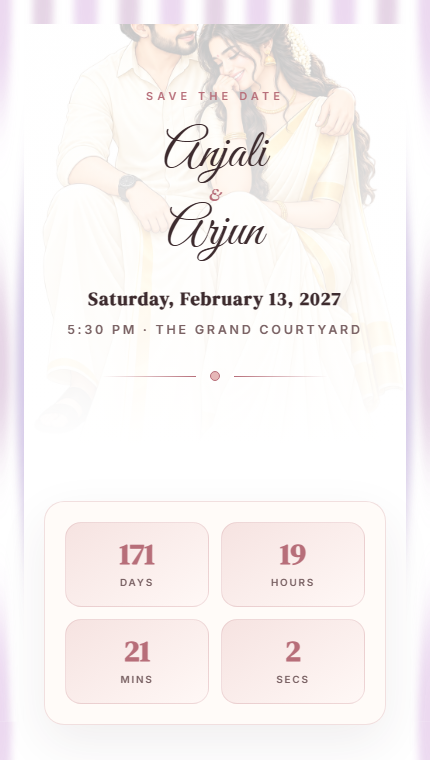
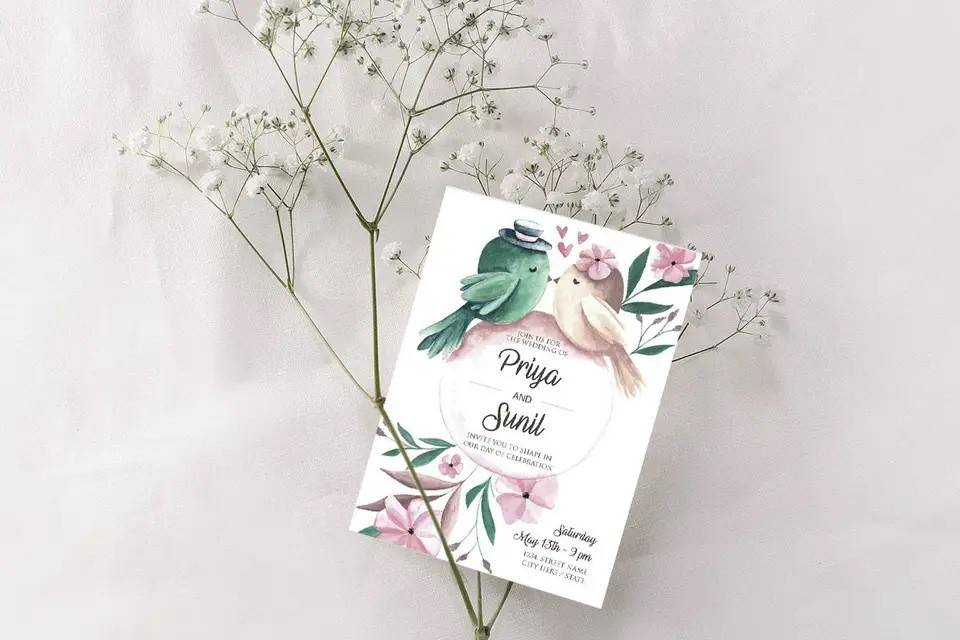
Design vibrant birthday invitation websites with OhMyDay. Pick a theme, add party details, and share one exciting link with friends and family.
Why Digital Birthday Invitations?
Fun Themes
Choose from colorful, playful, and elegant birthday invitation designs.
Shareable Link
Get a unique URL you can share via WhatsApp, SMS, or social media.
Photo Gallery
Add birthday photos to make your invitation extra special.
Venue Details
Include party venue with map directions for easy navigation.
Party Timeline
Show party schedule and events in a beautiful timeline.
RSVP Collection
Collect guest confirmations directly through the invitation.
How It Works
Pick a Theme
Select a birthday template that matches the celebration vibe.
Add Party Details
Enter the birthday person's name, age, date, venue, and photos.
Share the Fun
Publish and share your birthday invitation link with everyone.
Frequently Asked Questions
Can I create a free birthday invitation?
Yes. OhMyDay lets you create a birthday invitation website for free. Choose a template, customize it, and share.
Can I share my birthday invitation on WhatsApp?
Yes. Once published, you get a link you can share directly on WhatsApp, Instagram, or any messaging app.
Do guests need to download an app?
No. Guests open your birthday invitation directly in their browser — no app needed.
Related
Ready to create your invitation?
Choose a template and get started in minutes.
Create Your Birthday Invitation