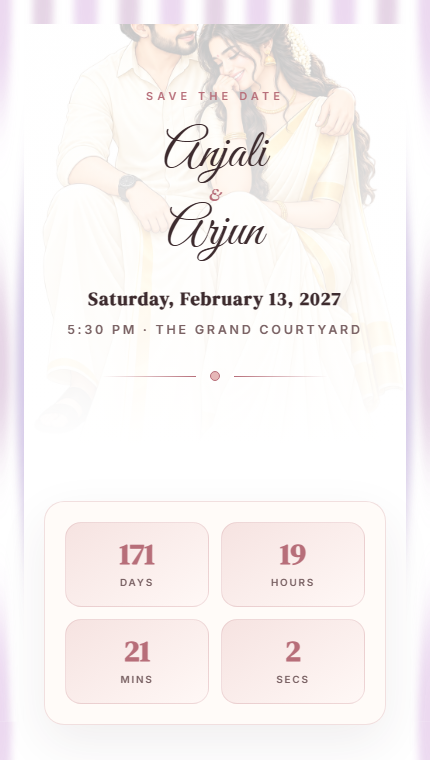
WhatsApp is the most popular way to share wedding invitations in India and many other countries. Here's how to send your digital wedding invitation to guests via WhatsApp.
Step 1: Create Your Wedding Invitation
First, create your wedding invitation website on OhMyDay. Add your names, date, venue, events, photos, and any other details you want to include.
Step 2: Publish Your Invitation
Once your invitation is ready, publish it. You'll get a unique URL like ohmyday.in/your-wedding that anyone can open.
Step 3: Copy the Link
Copy your invitation link. On OhMyDay, there's a one-click copy button on your dashboard.
Step 4: Share on WhatsApp
Open WhatsApp, select the contacts or groups you want to invite, and paste the link. Add a personal message like:
"You're invited to our wedding! 🎉 Click the link below to see all the details:
[your invitation link]
We'd love to have you there! ❤️"
Step 5: Track RSVPs
As guests open your invitation and respond, you can track RSVPs directly from your OhMyDay dashboard.
Tips for WhatsApp Invitations
- Send invitations 4-6 weeks before the wedding
- Follow up with guests who haven't responded
- Use WhatsApp Broadcast lists for individual messages
- Create a WhatsApp group for wedding updates
- Send a reminder a week before the event